Days To Go Widget
How many days until your date? One number on your watch, in your glance list and in a full view of its own.
Coming soon to the Connect IQ Store
Support and answers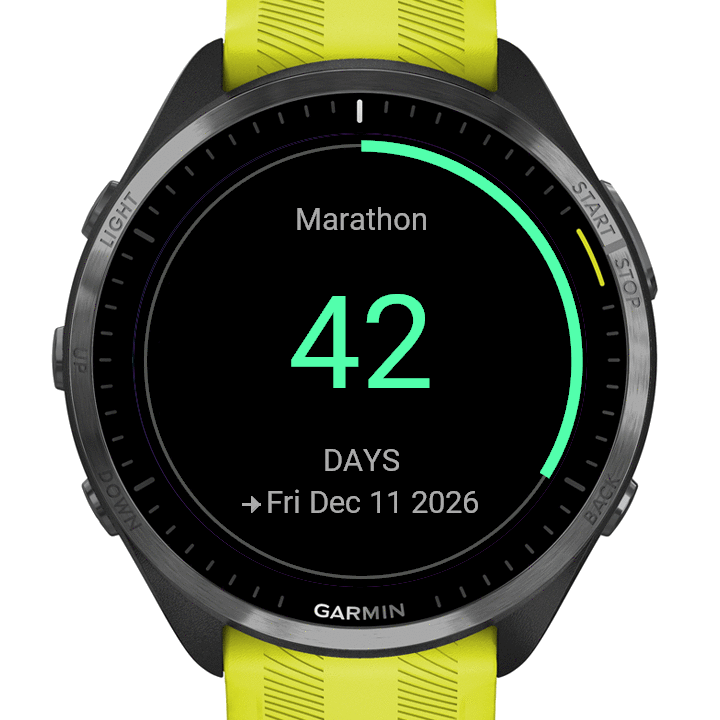
On the wrist.
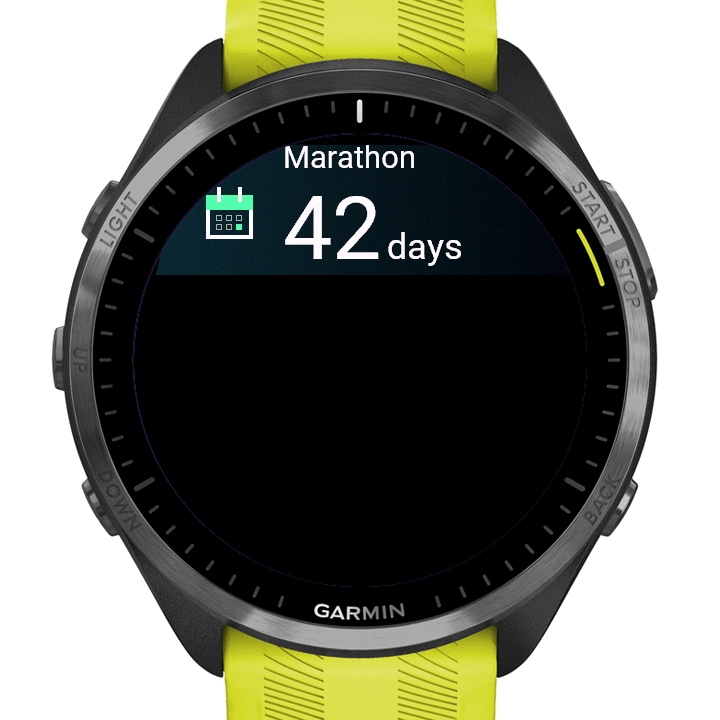 Glance
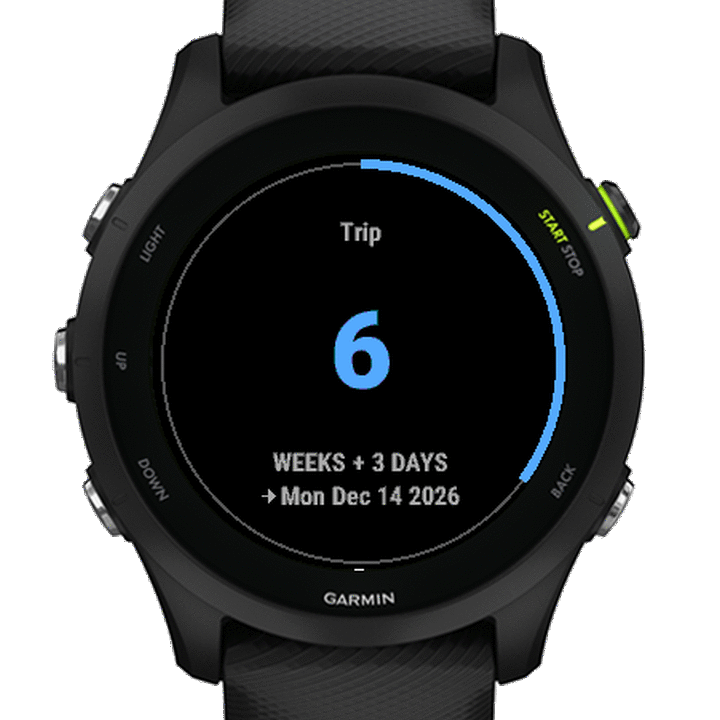 Weeks and days
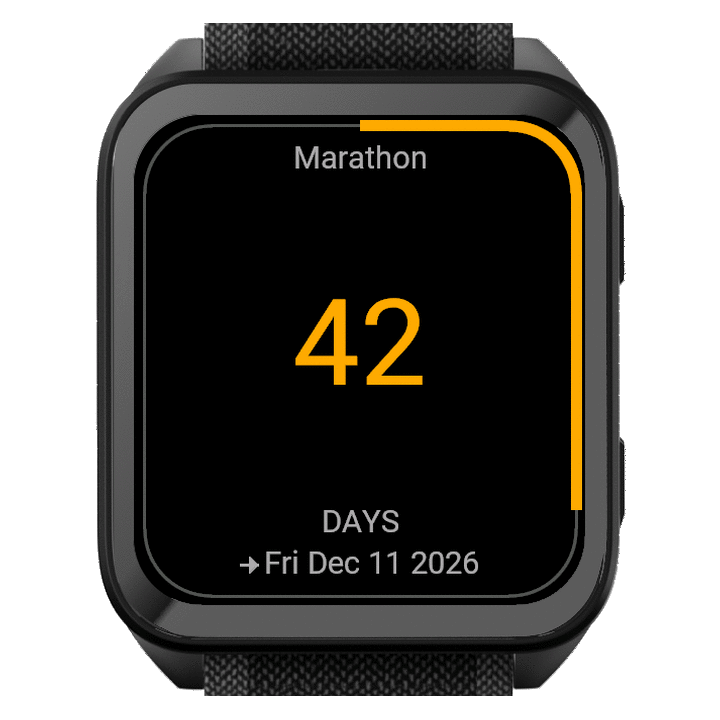 Rectangle
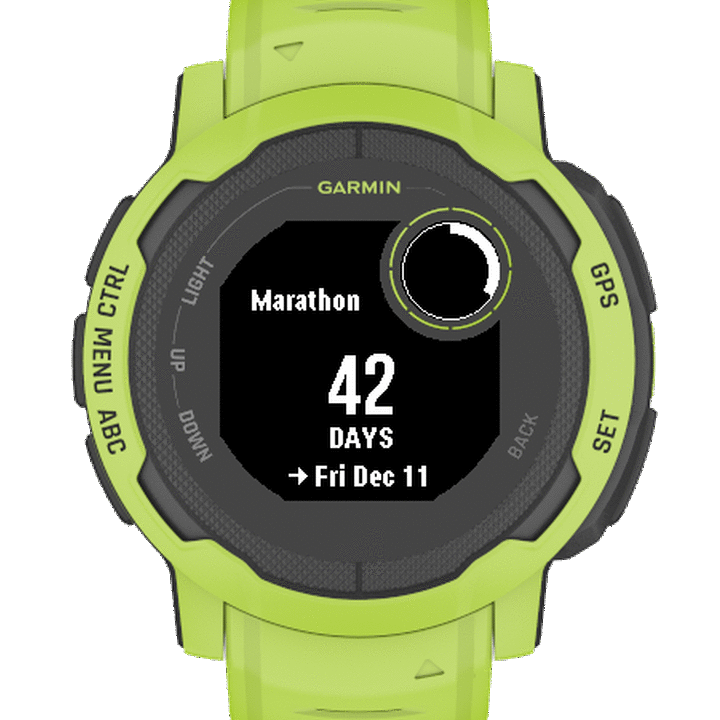 Instinct
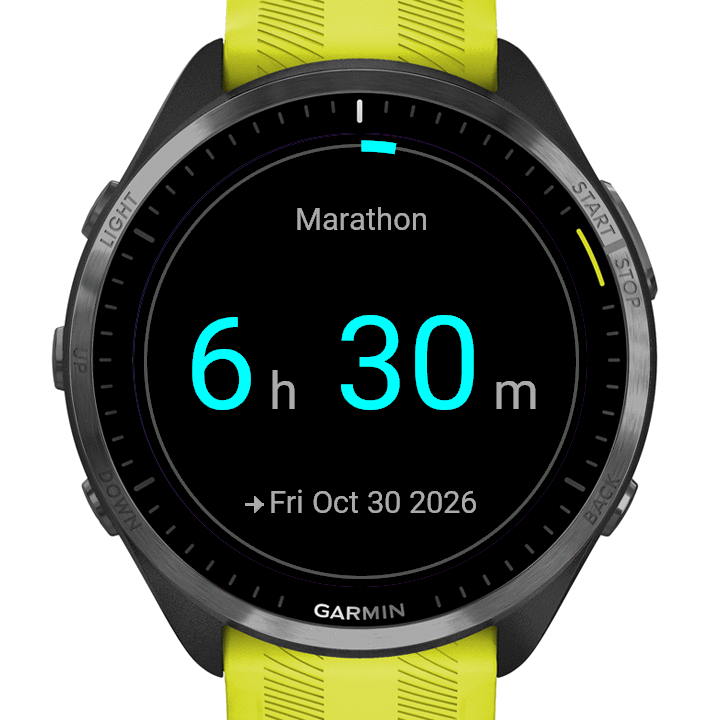 To the minute (Pro)
Built for one job.
The days left until a date, nothing else: no clock, no steps, no heart rate, no weather.
One number
The days left is the biggest thing on the screen, in your accent colour on colour screens, sized to fit your watch. The event’s name sits above it when it has one, and the date in words below while the event is ahead.
In your glance list
The days left, with the event’s name above them when it has one, so a scroll shows the count without opening anything.
The ring drains
A thin ring along the edge of the screen drains through the last year: around the bezel on a round screen, along the glass on a rectangular one, a gauge in the small round window of a black-and-white screen.
Whole calendar days
Tomorrow is 1 day. The day itself says TODAY. Afterwards it counts the days since.
Never empty, never broken.
Nothing set up yet? It counts to the next New Year’s Day. Choose Every year for a birthday or anniversary and it rolls over by itself.
A date that does not exist, like 30 February, says “Set a date” instead of a wrong number.
Yours to set.
Any date: a birthday, an anniversary, a race, a trip. Set the date on the watch, and on colour screens choose the accent colour there too. In Garmin Connect give the event its own name (up to 16 characters) and count in days or in weeks and days.
- Nothing to unlock
- No trial, no unlock code, nothing to buy on the watch. No extra phone app, no account.
- Your screen
- Every line is measured to fit, down to the smallest screens. The Connect IQ Store shows whether your exact model is listed.
- English on the watch
- The words on the watch are English.
- Nothing leaves the watch
- No permissions, no account, no analytics, no ads, and the widget itself uses no internet.
Checked in Garmin’s simulator, not yet worn.
Free or Pro.
Days To Go Widget is free and complete. Days To Go Widget Pro is a separate listing in the Connect IQ Store, with more on the widget.
- Days To Go Widget
- Free. The days left, the ring, the event’s name and date, days or weeks and days, and a choice of accent colours on colour screens. Set the date and the accent colour on the watch. Coming soon.
- Days To Go Widget Pro
- Paid, one purchase. Everything in Days To Go Widget and more accent colours, except on screens with fewer colours. And a start time for your own date (not for New Year’s Day or Christmas Day): the last 24 hours count down in hours and minutes, in the glance list and in the full view, and the day itself says TODAY from that time on. You can pick the time zone the event starts in as a UTC offset; the widget keeps no time zone rules, so it does not adjust for daylight saving. Coming soon.
90 Garmin watches.
Round and rectangular screens, AMOLED and memory-in-pixel, and the black-and-white Instinct. The Connect IQ Store shows whether your exact model is listed.
- Forerunner
- 55, 70, 165, 170, 245, 255, 255s, 265, 265s, 570, 745, 945, 945 LTE, 955, 965, 970
- fēnix
- 6, 6 Pro, 6S, 6S Pro, 6X Pro, 7, 7 Pro, 7S, 7S Pro, 7X, 7X Pro, 8, 8 Pro, 8 Solar, 9, 9 Pro, 9 Pro Solar, E
- epix
- Gen 2, Pro (Gen 2)
- Enduro
- 3, 4, Enduro
- MARQ
- Gen 1, Gen 2, Gen 3
- Venu
- 2, 2 Plus, 2S, 3, 3S, 4, X1
- vívoactive
- 5, 6
- Instinct
- 2, 2X Solar
- Descent
- G2, Mk2, Mk2 S, Mk3, Mk3i
- D2
- Air X10, Mach 1, Mach 2, Mach 2 Pro
- Approach
- S50, S70
In 1 language: English.
Count down to the day.
Coming soon to the Connect IQ Store
Support and answers