Light Hours
Is the light on by the rule you pick, and how long until it changes? IN or OUT on your watch, with the countdown to the next edge.
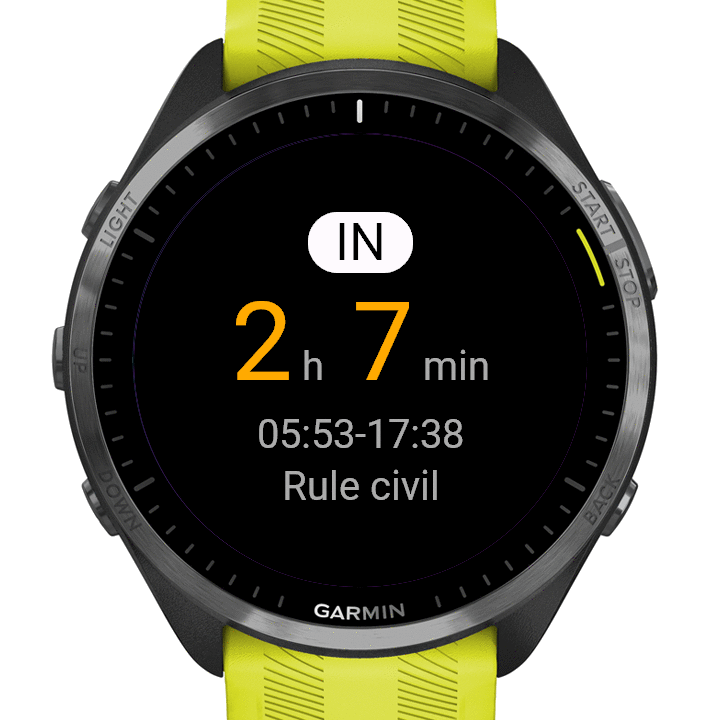
On the wrist.
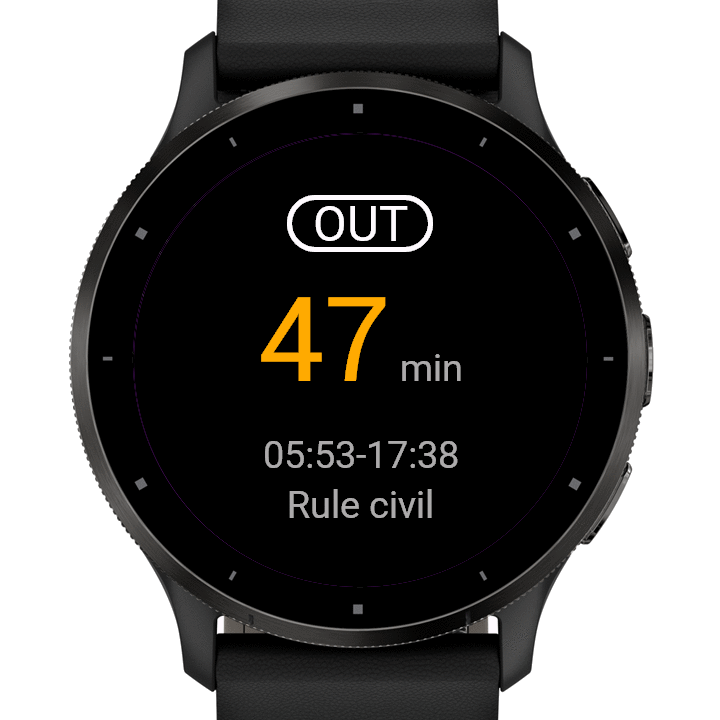 OUT
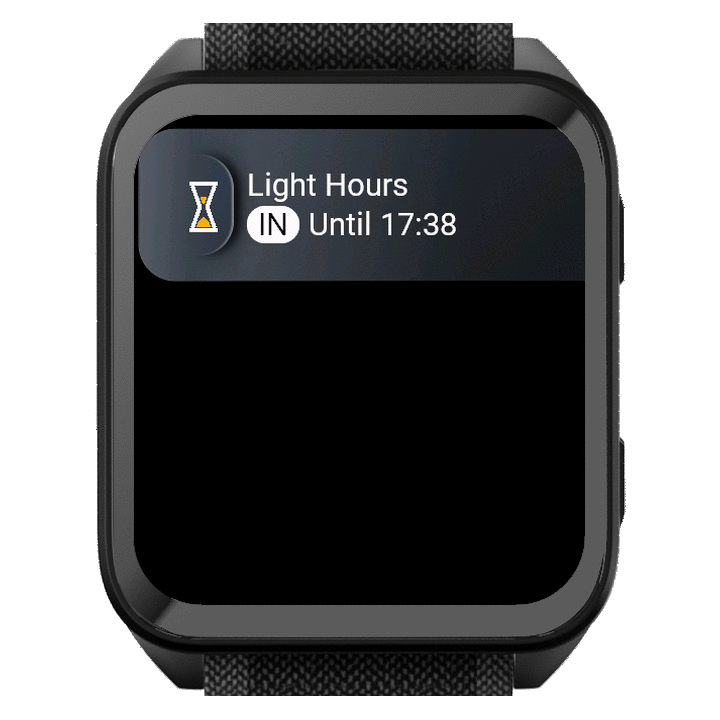 Glance
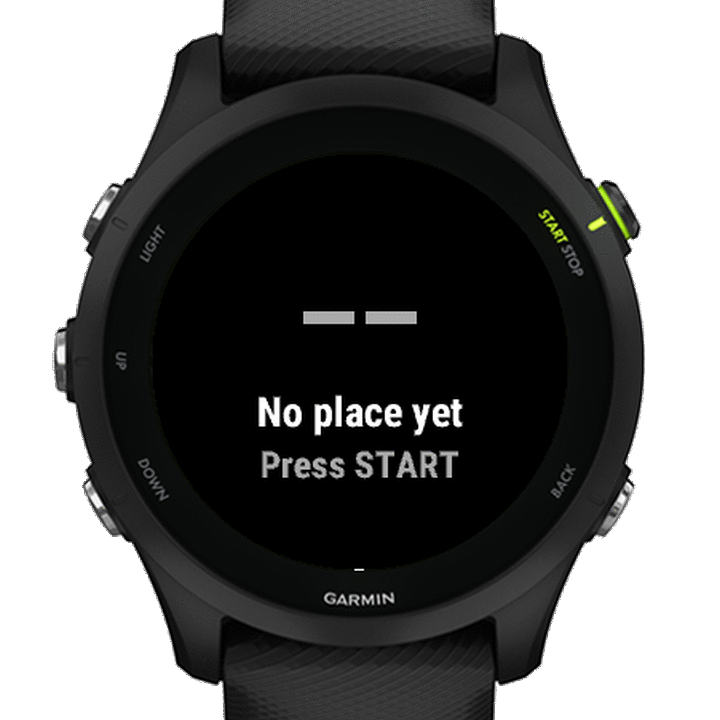 No place yet
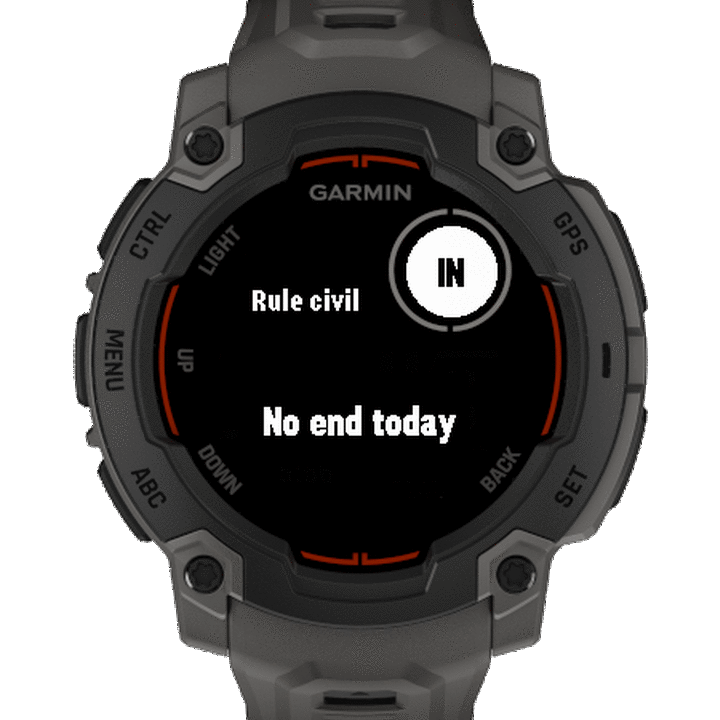 No end today
IN or OUT, and how long.
Light Hours shows where now sits against the rule you picked: IN or OUT. The big number counts down to the next edge, to the end while IN and to the next start while OUT, and under it is the window it points into, with its start and end. Times are whole minutes, never outside the window. For anyone who plans around first and last light: hunters, photographers and more.
- IN
- Now is inside the window. The countdown runs to its end.
- OUT
- Now is outside it. The countdown runs to the next start.
- In words
- Far north or south, on days when the line your rule reads is not crossed, the screen says so in words: “No end today”, “No start today”, “No start tomorrow”.
You pick the rule.
You choose where the light starts and ends, in the app’s menu.
- Civil twilight
- The sun 6° below the horizon, at both ends. The default.
- 0 min
- Sunrise to sunset.
- 15, 30, 45 or 60 min
- That long before sunrise and after sunset (“pre-rise, post-set”).
Your rule, your call.
Light Hours does not know the rules where you are. It counts by the rule you pick, so check any local rules yourself.
When it cannot tell, it says so in words: “No place yet” before it has a place, “Old place” when the place is older than a week.
Small on purpose.
On watches with a glance list, a glance in the list, and the app behind it. On a watch with no glance list the app opens straight to the main screen. Two settings, in the app’s menu: the rule, and on colour screens an accent colour. The glance shows IN or OUT and the edge time, like “Until 17:38”, so a scroll shows them without opening anything.
- Your place
- Light Hours uses your watch’s location to work out sunrise, sunset and twilight. The place is rounded to a tenth of a degree and stays on your watch. Press START to ask the watch for a new position.
- Nothing to unlock
- No trial, no unlock code, nothing to buy on the watch. No extra phone app, no account.
- Nothing leaves the watch
- No analytics, no ads, and the app itself uses no internet.
Checked in Garmin’s simulator, not yet worn. The Connect IQ Store shows whether your exact model is listed.