Pack Pass
A packing checklist on your wrist. Tick items off as you pack, and the glance shows what is left.
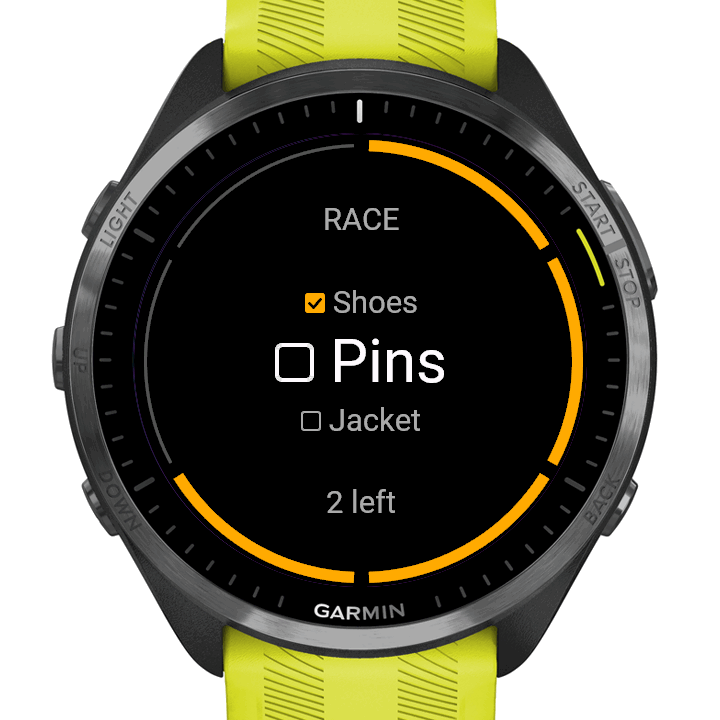
On the wrist.
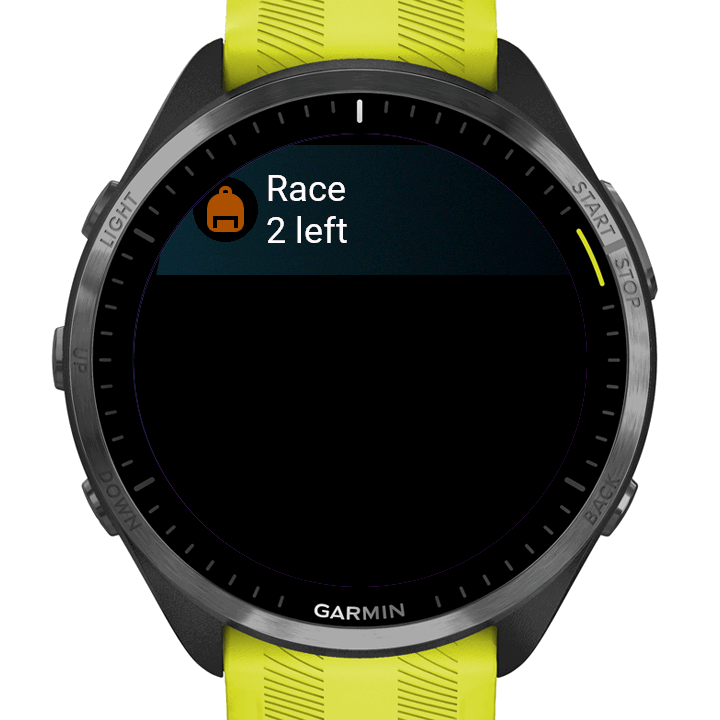 The glance
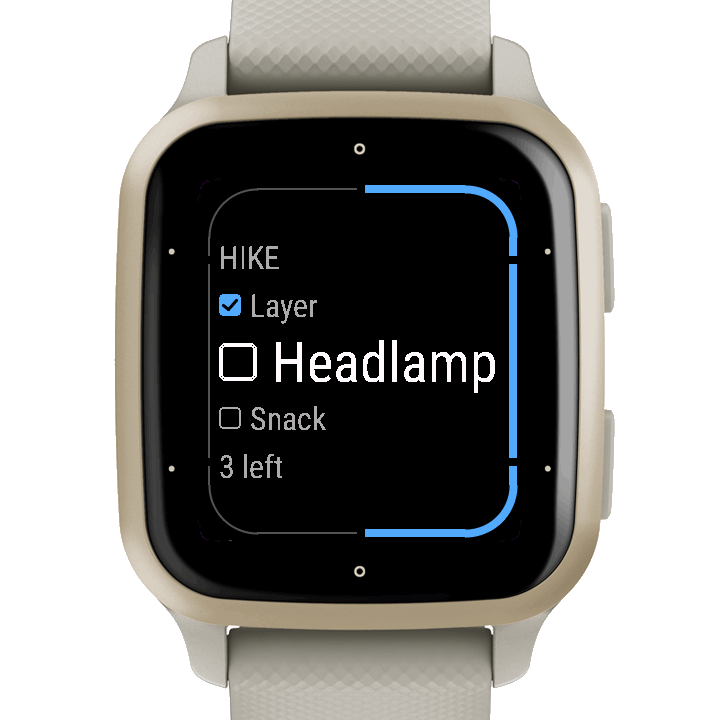 Hike list
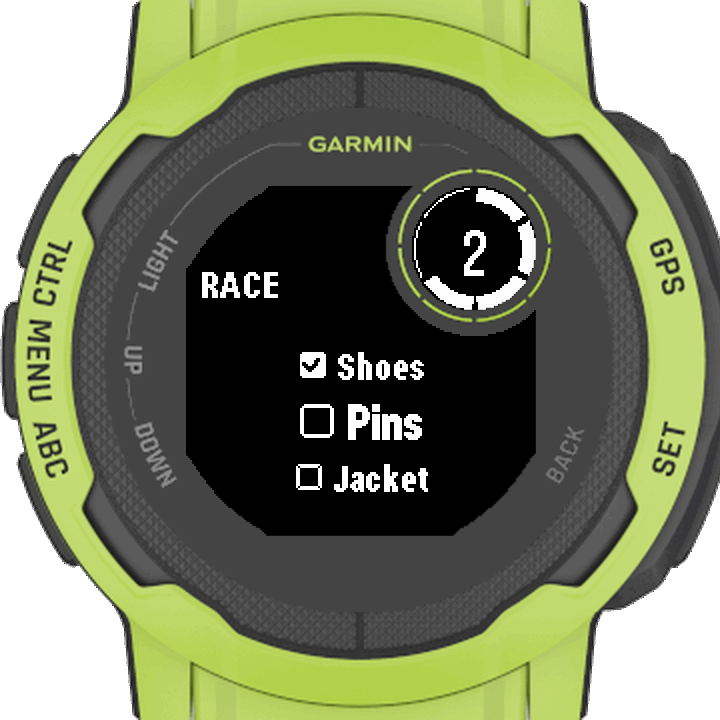 Count in a window
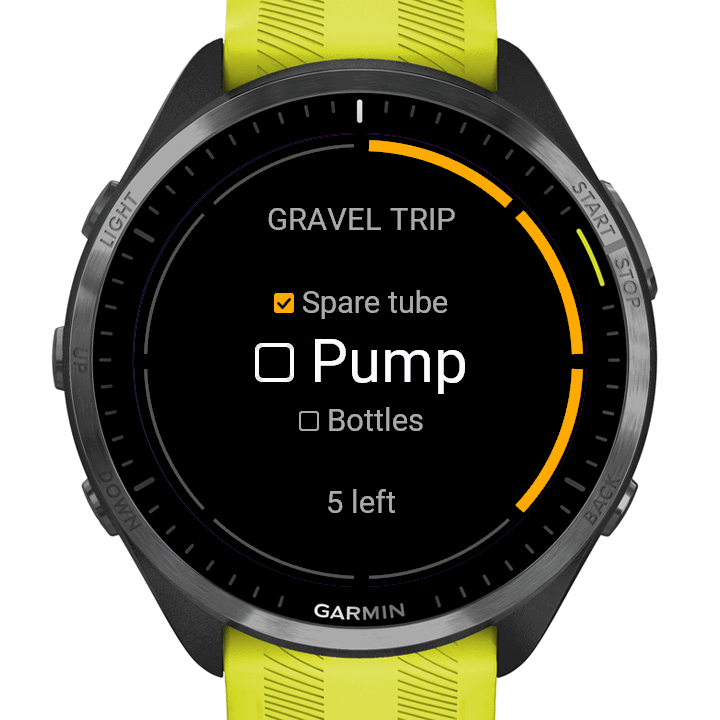 Pro, your own list
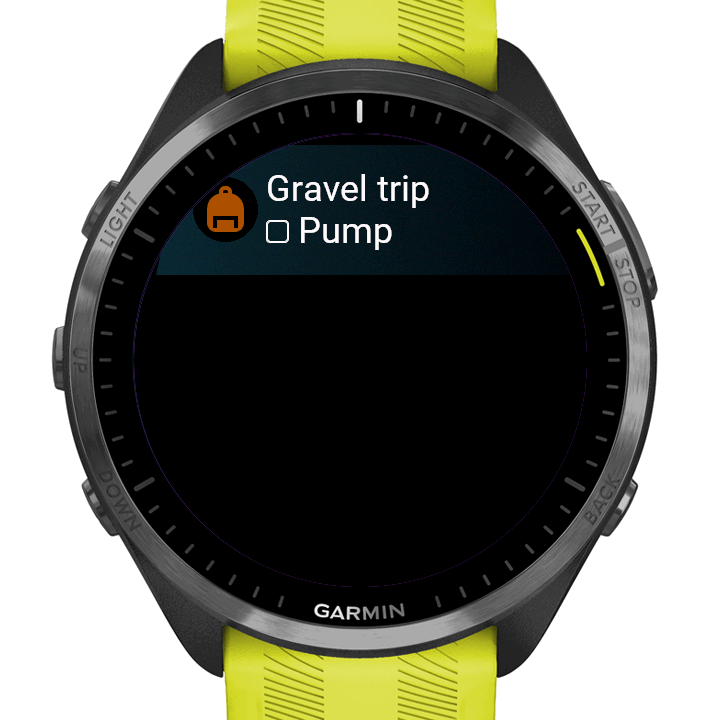 Pro, the next item
Pack, tick, glance.
How it works, in four steps.
Pick a list
Pack Pass has three: Ride, Race and Hike, six items each. Pack Pass Pro has five that you name and fill in yourself.
Tick items off as you pack
The full view shows one item large between its neighbours, in a ring with a slot for each item. Pack an item and its slot fills in.
Each list keeps its own ticks
Switch to another list and come back: the ticks you made are still there.
See what is left on the glance
Pack Pass shows the list name and how many items are left, or All packed. Pack Pass Pro shows the list name and the next item to pack.
The lists are fixed in Pack Pass.
The three lists cannot be edited: you cannot add, remove or rename an item or a list. If you want your own, Pack Pass Pro has five lists that you write in Garmin Connect, up to 12 items each. The watch itself has no editor.
Nothing leaves the watch.
No account, no ads, no permissions.
- Nothing to sign up for
- No account, no ads, no analytics, no internet. It asks for no permission.
- Kept on the watch
- The ticks for each list and the list you are on stay on the watch. Pack Pass Pro’s lists are written in Garmin’s app, and the app only reads them.
Free or Pro.
Pack Pass is free and complete. Pack Pass Pro is a separate listing in the Connect IQ Store, with more on the widget.
- Pack Pass
- Free. Three fixed lists, Ride, Race and Hike, six items each; they cannot be edited. Tick items off as you pack, each list keeps its own ticks, and the glance shows how many are left. Get Pack Pass
- Pack Pass Pro
- Paid, one purchase. Five lists that you name and fill in Garmin Connect, up to 12 items each, and the glance names the next item to pack. Ticking, switching lists and resetting a list work as in Pack Pass. Changing a list’s items clears that list’s ticks. Get Pack Pass Pro
On Garmin watches.
The Connect IQ Store shows whether your exact model is listed. The words on the watch are in English.