Time by Touch
A watch app that buzzes the time in long and short pulses. The same pulses fill in on the screen as it buzzes.
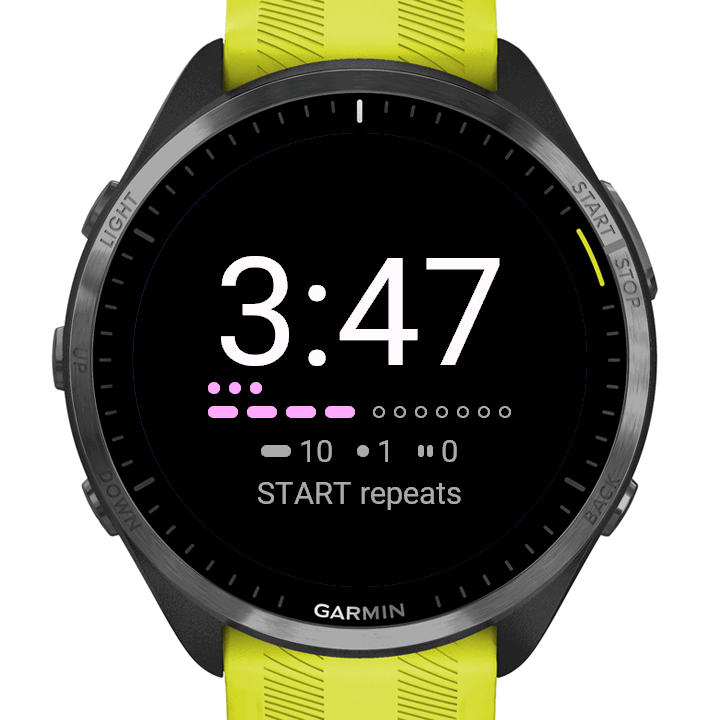
On the wrist.
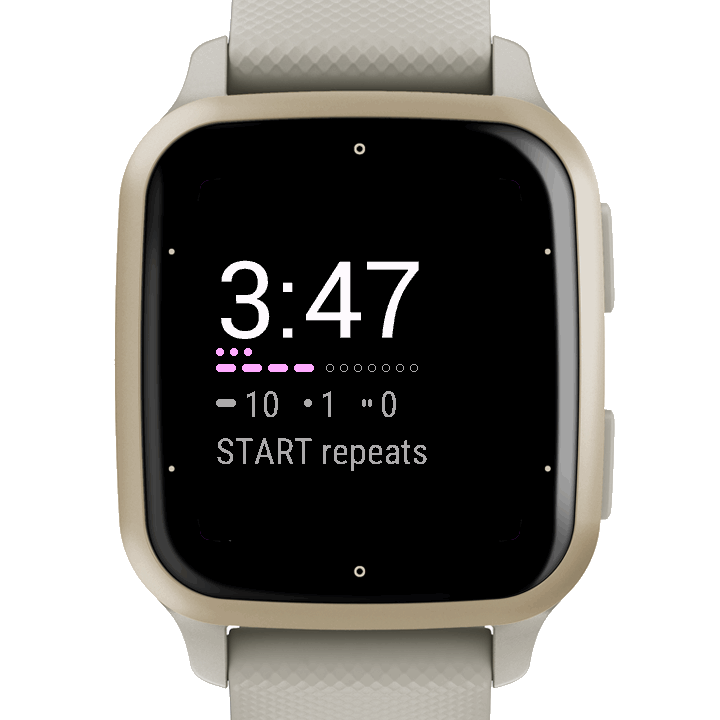 Square screens
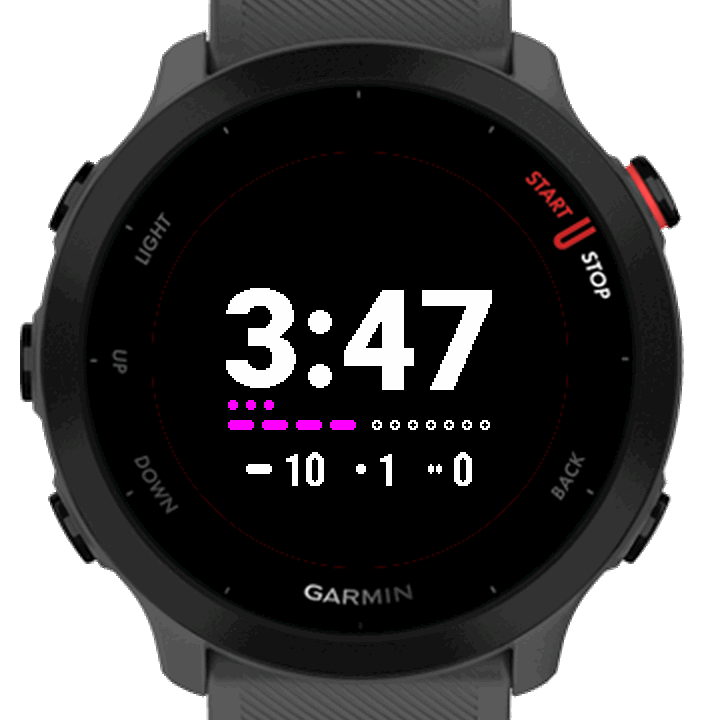 Fewer colours
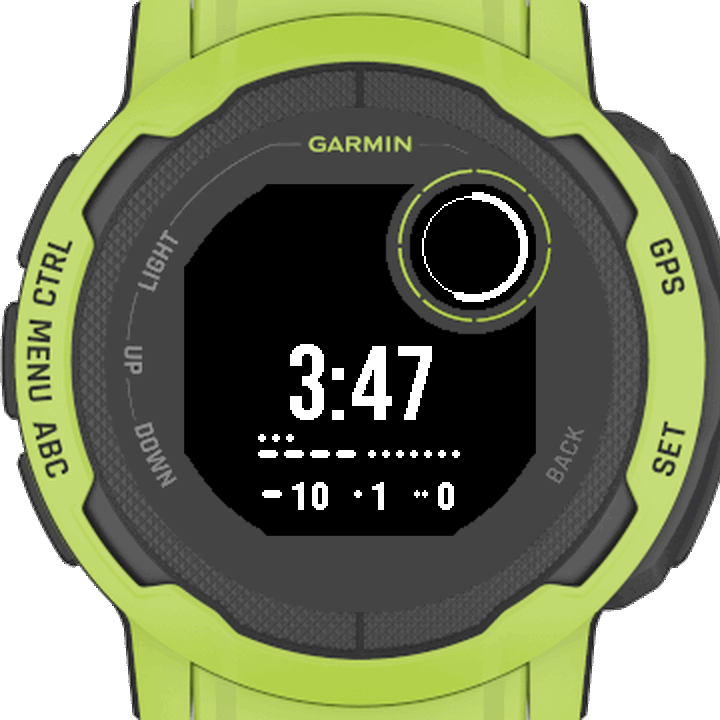 Black and white
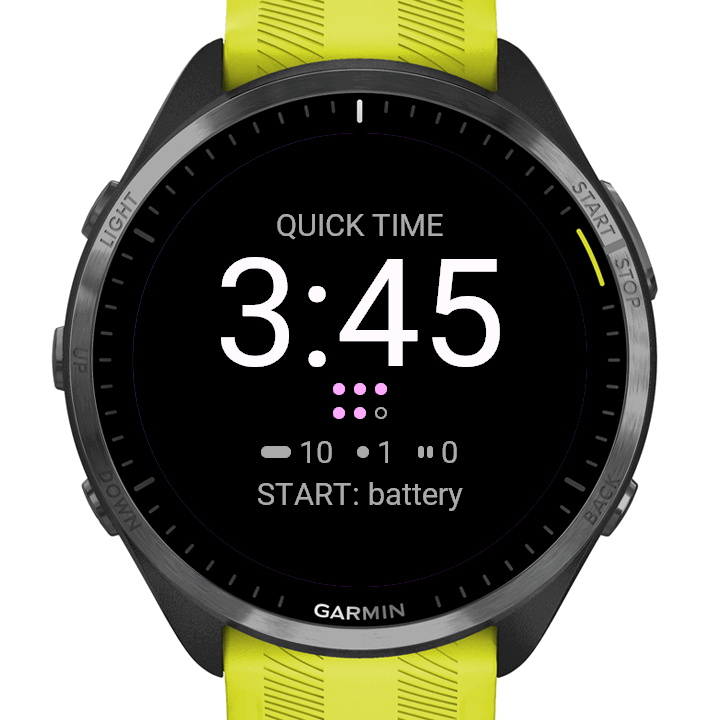 Pro, Quick mode
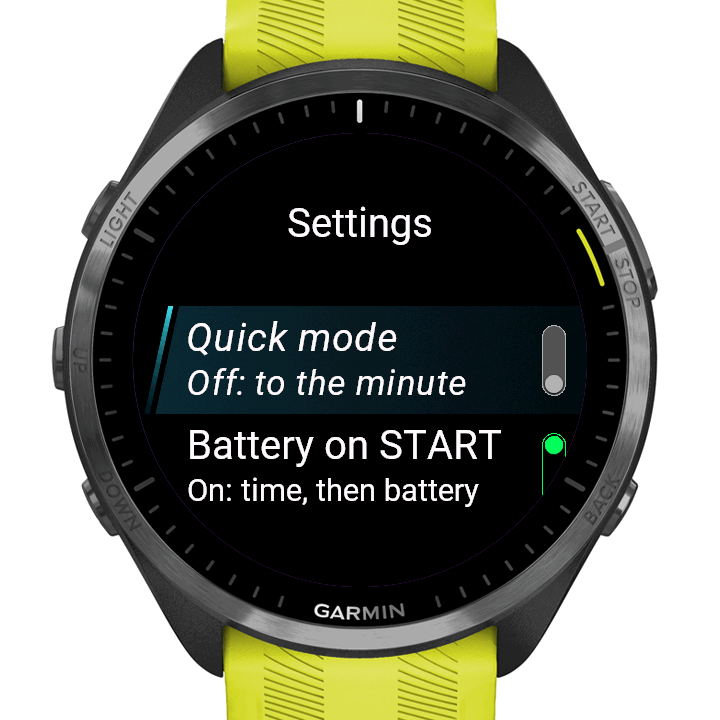 Pro, settings
The time, in pulses.
How it buzzes, in four steps.
Open it, it buzzes
The app buzzes the time as it opens: the hours first, then the minutes.
A long pulse for each ten, a short pulse for each unit
At 3:47 that is three short pulses for the hour, then four long and seven short for the minutes.
The same pulses on the screen
Under the time, the pulses are drawn: a dash for a long pulse, a dot for a short one. Each mark fills as it buzzes. The key under them says what each mark stands for.
Again, or stop
START buzzes it again, or a tap on a touchscreen watch. BACK stops it and leaves.
The buzz is the app.
The screen shows the time and the pulses written out, one mark for each. A watch with no vibration, or with vibration switched off, still shows the time and says why on the screen.
Nothing to set up.
Open it and it buzzes. It follows the watch’s 12- or 24-hour setting, on the screen and in the buzz.
- Nothing to unlock
- In Time by Touch: no trial, no unlock code, nothing to buy on the watch. No account, no extra phone app.
- Nothing leaves the watch
- No account, no ads, no analytics, no internet. It asks for no permission.
Free or Pro.
Time by Touch is free and complete. Time by Touch Pro is a separate listing in the Connect IQ Store, with more on the app.
- Time by Touch
- Free. It buzzes the time when you open it, and START buzzes it again. The marks fill in as it buzzes. Get Time by Touch
- Time by Touch Pro
- Paid, one purchase. Everything in Time by Touch and more. A Quick mode: the hours and the quarter hour just passed, a shorter buzz, and the screen names it QUICK TIME (at 3:52 it reads 3:45). The battery level by touch: START buzzes it, the tens as long pulses and the units as short ones, rounded to the nearest whole percent. Both are set on the watch, in a menu, and take effect at the next buzz. It buzzes only when you open it or press START. Get Time by Touch Pro
On Garmin watches.
Round, square and rectangular screens, AMOLED and memory-in-pixel, and black-and-white screens. The Connect IQ Store shows whether your exact model is listed. The words on the watch are in English.